

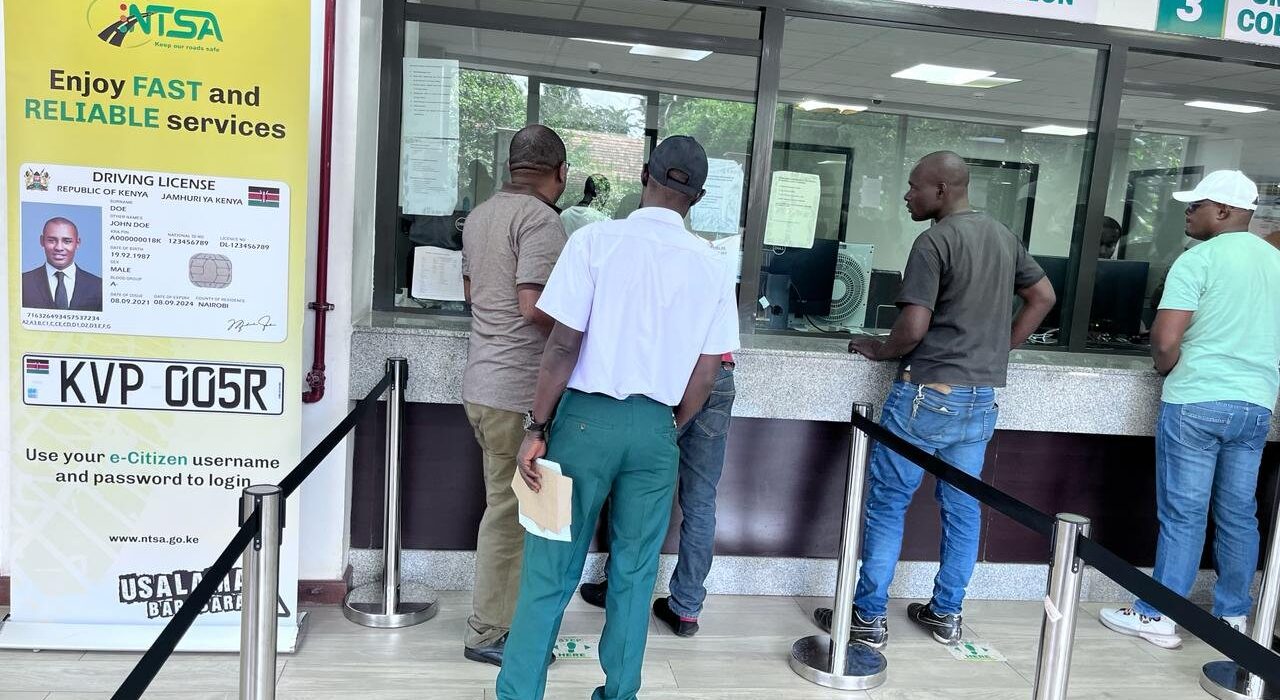
In Kenya, the National Transport and Safety Authority (NTSA) oversees the critical process of updating vehicle particulars, especially for government vehicles owned by national and county entities. When changes such as vehicle color, engine, or body type occur, a new logbook must be issued to reflect these updates accurately. This comprehensive guide outlines the step-by-step process for applying for new logbooks after a change of particulars inspection for government vehicles, ensuring compliance with NTSA regulations and a seamless experience for public institutions.
Why Updating Vehicle Particulars Matters for Government Entities
Government vehicles, used by national and county entities, serve critical functions, from public service delivery to emergency response. Ensuring that their logbooks reflect accurate particulars is not just a regulatory requirement but also a matter of operational efficiency and legal compliance. Incorrect or outdated logbook details can lead to issues during audits, traffic stops, or vehicle transfers.
Key Reasons for Updating Logbooks
- Legal Compliance: The NTSA mandates that any change in vehicle particulars, such as color, engine, or body type, must be updated to maintain accurate records.
- Audit and Accountability: Government entities are subject to regular audits, and up-to-date logbooks ensure transparency in vehicle management.
- Operational Efficiency: Accurate records facilitate fleet management, insurance claims, and resale processes.
- Public Safety: Updated particulars ensure that vehicles meet safety and regulatory standards, particularly after modifications like engine changes.
With the digitization of NTSA services through the eCitizen platform, the process has become more streamlined, but it still requires careful attention to detail. Below, we break down the application process for new logbooks after a change of particulars inspection.
Step-by-Step Guide to Applying for a New Logbook
The process of applying for a new logbook after a change of particulars inspection for government vehicles is conducted entirely through the NTSA service portal on the eCitizen platform. This section provides a detailed, user-friendly guide to help you navigate the system efficiently.
Step 1: Log In to Your eCitizen Account
To begin, you need an active eCitizen account linked to the government entity. If your institution does not have an account, you must create one.
- How to Log In:
- Visit eCitizen.go.ke.
- Enter the registered email or ID number and password.
- Verify your login using the one-time password (OTP) sent to your registered phone or email.
- If you’re a new user, register by providing your institution’s details and verifying your identity.
Tip: Ensure the eCitizen account is linked to the government entity’s official details to avoid delays during verification.
Step 2: Access the NTSA Service Portal
Once logged in, navigate to the NTSA service portal, which is integrated into the eCitizen platform.
- Navigation Steps:
- On the eCitizen dashboard, locate the “NTSA” or “Transport Services” section.
- Select the “NTSA Service Portal (New)” option.
- This will redirect you to a page displaying all vehicles registered under your entity.
Note: Only authorized personnel with administrative access to the entity’s eCitizen account can proceed with this step.
Step 3: Select the Motor Vehicle
Identify the specific vehicle that requires a new logbook due to a change in particulars.
- Process:
- From the list of vehicles displayed, click on the vehicle registration number.
- Select “View” to access the vehicle’s details.
- Verify that the vehicle’s current particulars (e.g., registration number, chassis number) match your records.
Tip: Double-check the vehicle’s details to avoid processing errors, as discrepancies can lead to rejection.
Step 4: Initiate Motor Vehicle Services
After selecting the vehicle, proceed to request a change of particulars and a new logbook.
- Steps:
- Click on “Motor Vehicle Services” from the vehicle details page.
- Select “Next” to proceed to the particulars update section.
- Choose the specific particulars to change (e.g., color, engine, body type).
- Provide accurate details of the changes, ensuring they match the physical modifications made to the vehicle.
Important: Ensure that the changes have been physically implemented on the vehicle before applying, as an inspection will verify these updates.
Step 5: Book an Inspection
A mandatory inspection is required to confirm the changes made to the vehicle. You must select an NTSA-approved inspection center and authorize a representative to present the vehicle.
- Inspection Booking Process:
- Select an NTSA inspection center from the dropdown list (e.g., Likoni Road, Pangani, or other regional centers).
- Enter the details of the authorized person who will present the vehicle for inspection (e.g., name, ID number, contact information).
- Confirm the inspection date and time, ensuring it aligns with your institution’s schedule.
Note: Inspection centers are located across Kenya, but availability may vary. Book early to secure a convenient slot.
Step 6: Complete the Declaration
Before submitting your application, you must agree to the NTSA’s terms and conditions.
- Steps:
- Scroll to the declaration section on the application form.
- Tick the declaration box to confirm that all provided information is accurate.
- Click “Preview” to review your application details.
Tip: Carefully review all entered information to avoid errors, as mistakes can lead to delays or additional costs.
Step 7: Submit and Pay for Inspection
The final step involves submitting the application and paying the required fees.
- Payment Process:
- After previewing, click “Submit” to generate a payment invoice.
- Pay the fees via the eCitizen platform using mobile money (e.g., M-Pesa), bank card, or other available methods.
- Fees breakdown:
- Ksh. 300 per change of particulars.
- Ksh. 500 for the issuance of a new logbook.
- Ksh. 1,050 for the vehicle inspection.
Note: Ensure you retain the payment confirmation receipt, as it may be required during logbook collection.
Timelines for Inspection and Logbook Issuance
The NTSA has streamlined its processes to ensure efficiency, particularly for government entities. Here are the expected timelines:
- Inspection: Conducted on the same day as the booked appointment, provided the vehicle is presented on time and all documents are in order.
- Logbook Issuance: New logbooks are typically issued within 3 working days after a successful inspection.
Tip: To avoid delays, ensure the vehicle is in good condition and matches the declared particulars before presenting it for inspection.
Costs Associated with the Process
Understanding the costs involved is crucial for budgeting, especially for government entities managing multiple vehicles. The NTSA charges are as follows:
- Change of Particulars: Ksh. 300 per change (e.g., color, engine, or body type).
- New Logbook: Ksh. 500 per vehicle.
- Inspection Fee: Ksh. 1,050 per vehicle.
Total Cost Example: For a vehicle with one change (e.g., color):
- Ksh. 300 (change) + Ksh. 500 (logbook) + Ksh. 1,050 (inspection) = Ksh. 1,850.
For multiple changes (e.g., color and engine):
- Ksh. 600 (two changes) + Ksh. 500 (logbook) + Ksh. 1,050 (inspection) = Ksh. 2,150.
Tip: Budget for additional costs, such as transport to the inspection center or administrative fees for authorized personnel.
Practical Tips for a Smooth Application Process
To ensure a hassle-free experience when applying for new logbooks after a change of particulars inspection, consider the following:
- Verify Vehicle Modifications: Ensure all changes (e.g., new engine, repainted color) are complete and comply with NTSA standards before booking an inspection.
- Prepare Documentation: Have all relevant documents, such as the vehicle’s current logbook, proof of ownership, and modification records, ready for verification.
- Use a Reliable Internet Connection: The eCitizen platform requires a stable connection to avoid interruptions during application or payment.
- Authorize a Competent Representative: The person presenting the vehicle for inspection should be familiar with the process and have all necessary documents.
- Track Application Status: Use the eCitizen portal to monitor the progress of your application and receive notifications about logbook readiness.
- Plan for Multiple Vehicles: If managing a fleet, process applications in batches to streamline inspections and reduce administrative burden.
Common Challenges and How to Overcome Them
While the NTSA eCitizen portal has simplified the process, government entities may encounter challenges. Here are common issues and solutions:
- Delayed Logbook Issuance: Delays can occur due to incomplete applications or inspection failures. Ensure all details are accurate and the vehicle passes inspection.
- System Downtime: The eCitizen platform occasionally experiences technical issues. Try accessing the portal during off-peak hours (e.g., early morning).
- Inspection Failures: Vehicles may fail inspection if modifications do not meet NTSA standards. Consult with a qualified mechanic or NTSA officer before applying.
- Payment Issues: Ensure sufficient funds are available in your payment method to avoid transaction failures.
Note: If issues persist, contact NTSA customer support via their hotline or visit a regional office for assistance.
Applying for new logbooks after a change of particulars inspection for government vehicles is a straightforward process when using the NTSA eCitizen portal. By following the outlined steps—logging into eCitizen, accessing the NTSA portal, selecting the vehicle, booking an inspection, and paying the fees—government entities can maintain accurate vehicle records and comply with NTSA regulations.
The process, while streamlined, requires attention to detail and adherence to timelines. With costs starting at Ksh. 1,850 for a single change and a new logbook, and a turnaround time of three working days, government institutions can efficiently manage their fleets. By addressing common challenges and leveraging practical tips, you can ensure a seamless experience.
For further assistance or to verify payment details, visit eCitizen.go.ke or contact NTSA directly. Stay proactive, keep your records updated, and drive Kenya’s public sector forward with compliant, well-documented government vehicles.